Mobile App
I started this project but at the design stage I found that it is not possible (or at least very difficult) to monitor user actions on remote sites; all we can reasonably expect is to know if they loaded the page. With a browser plug-in we can do that but that will only work on desktop. The lemming-like rush to surveillance devices means the desktop is already well in the minority and will become more so, so we may as well forget that and abandon the monitored, detailed tasks idea. We also can’t expect most people to do more than 3 actions from memory, so our primary reason for having the plug-in is also defeated by this built-in mobile restriction.
It seems these devices are designed so that only the state and its favored giant corporations can track what people do on their devices, and neither permission nor choice has any part in that. So we have to go with what we have available. This will be updated on the PTC page. Farther down is some preliminary work done with Stitch AI and a conversation that came after it.
“Hi, I am thinking, if it’s not possible to monitor what they do on the sites we send them to, and we have to trust them to do the tasks, then really a PTC-style website would be just as good but also available to anyone on any platform… Is it not possible to check their actions without reference to the site they are viewing?”
Stitch: That’s a very fair and insightful question, and you’re hitting on a core challenge with tasks that involve external websites! You’re right; for simple PTC (Paid To Click)-style tasks where the action is just “visit a page,” a web-based platform (like clickforcharity.net directly) can indeed be just as effective and more universally accessible. Regarding checking their actions without reference to the site they are viewing: Unfortunately, no, that’s generally not possible for actions taken on an external website that you don’t control. Here’s why:
- Security and Privacy (Sandboxing): For security and privacy reasons, mobile operating systems (iOS, Android) and web browsers are designed to “sandbox” applications and websites. This means one app/website cannot typically “see” or interact with what a user is doing in another app or on another website without explicit permissions or integrations.
- Lack of Universal API: There isn’t a universal API or standard that would allow your app to say, “Check if User X liked a specific post on Twitter” or “Check if User Y signed a petition on Change.org” unless Twitter or Change.org (or any other external site) specifically provides an API for that purpose and your app is authorized to use it. Even then, it’s specific to that platform, not a general “monitor any website” capability.
- User Consent & Control: Even if there were a technical way, it would raise significant privacy concerns and would likely require very explicit and extensive user consent, which could be a huge barrier to adoption.
- The “Trust” Aspect: This is precisely why, for tasks involving external sites where you don’t have direct API integration, the model often defaults to:
- Manual User Confirmation: The user confirms they completed the action. This works well for charity apps or tasks with low monetary value where the primary motivation is goodwill.
- Proof (Screenshots): Requiring a screenshot provides some evidence but adds friction for the user.
- Very Simple “Visits”: If the task is just “visit this URL,” you can potentially track if they loaded the URL via your in-app browser, but not necessarily what they did on that page.
So, is a mobile app still valuable if verification is trust-based? Yes, it can be, but the value shifts:
- Convenience: A mobile app can offer a more curated, convenient, and focused experience than navigating a website, especially for quick, bite-sized tasks.
- Notifications: Push notifications can remind users of new tasks or progress, which is harder with just a website.
- Gamification/Engagement: The app can provide a dedicated, engaging interface for tracking “useless coins,” displaying progress, and fostering a community around the charitable tasks.
- Seamless Switching (Your Idea): Your idea of the tab/swipe to switch between task instructions and the browser is a great example of enhancing usability that might be harder to replicate purely on a mobile web browser.
Conclusion: You’ve identified a fundamental technical limitation. If strict, programmatic verification of external site actions is a must-have for your core business model (e.g., if real money was involved and fraud was a high risk), then an app focused solely on unverifiable external actions would indeed face significant challenges. However, if the primary goal is to facilitate charitable actions through a convenient, engaging, and gamified experience where user honesty is acceptable for low-stakes “coin” rewards, then a mobile app still offers distinct advantages in user experience and engagement over a purely web-based PTC model.
What are your thoughts on this technical limitation? Does it significantly change your vision for the app, or do the other benefits of a native app (convenience, engagement, notifications) still make it worthwhile for your charity’s goals?
I think developing the PTC pages first, trying things out, and then making (perhaps) a web app based on it may be the best way forward. The existing site works fine all the way down to 290px by dropping sidebars, etc., so it can be done.
Stitch:
Focusing on developing the PTC pages on your existing website first, experimenting there, and then considering a web app (which would also be accessible across platforms) makes a lot of sense, especially given the technical limitations of verifying external actions from a native mobile app. Since your existing site already handles responsiveness down to 290px, you’re in a strong position to build upon that for a mobile-first web experience. A web app would indeed provide a more consistent experience across devices and potentially simplify the verification aspect if users are performing actions directly within your site’s ecosystem or manually confirming.
Below Is Redundant
Developing this with the help of Stitch.
- The designs have been generated for your charity app:
- Welcome/Onboarding Screen: This screen introduces new users to the app’s charitable purpose and ‘useless coin’ rewards, highlighting key features with a clear call to action for signing up or logging in.
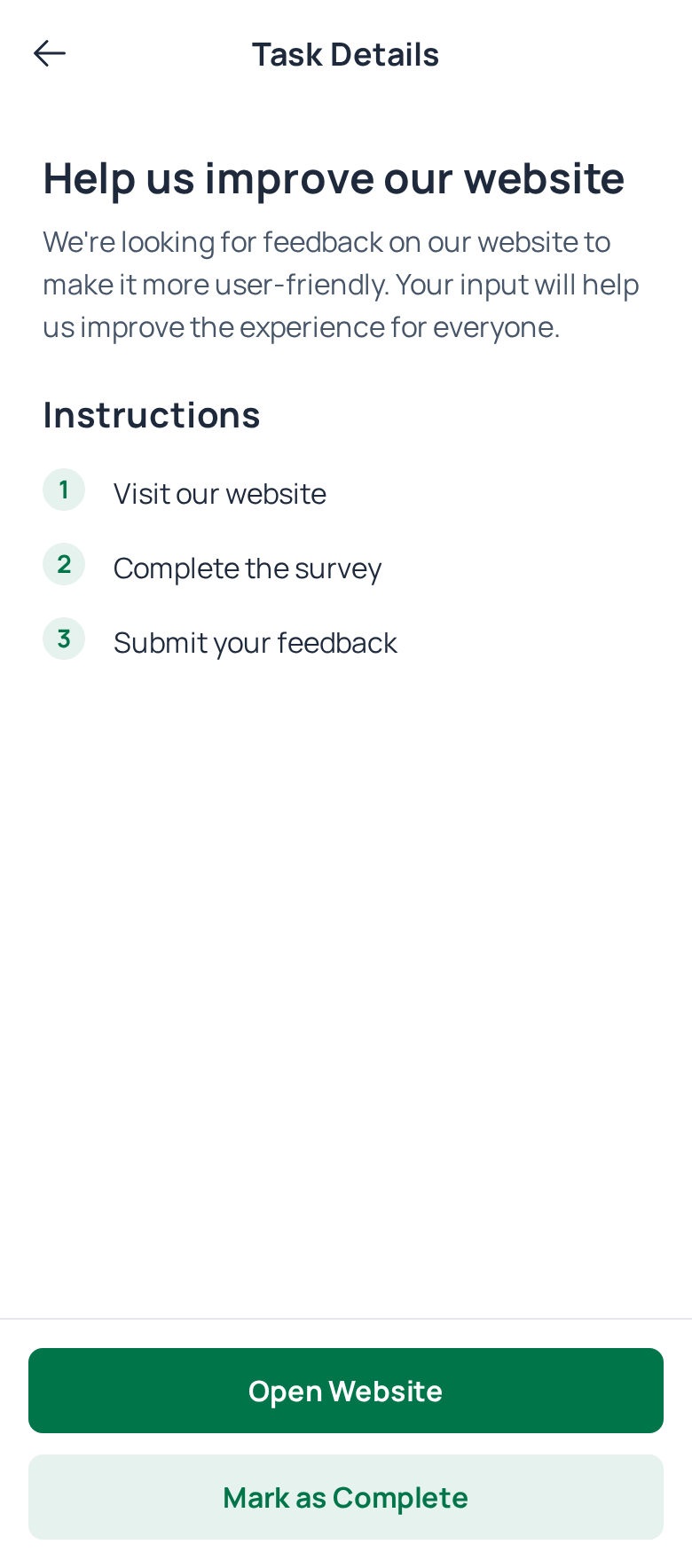
- Task Detail Screen: Provides instructions and completion options for individual tasks.
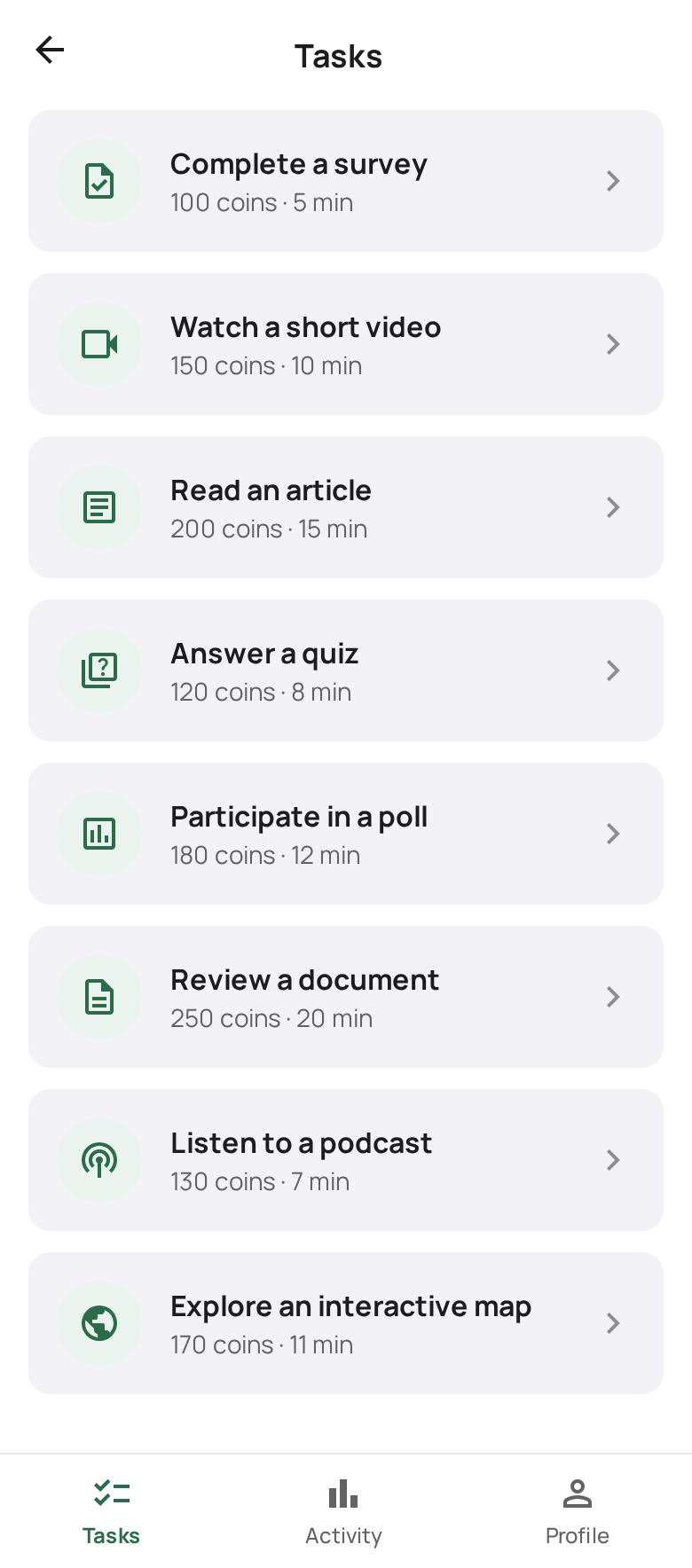
- Task List Screen: Presents a scrollable list of tasks with rewards and estimated times.
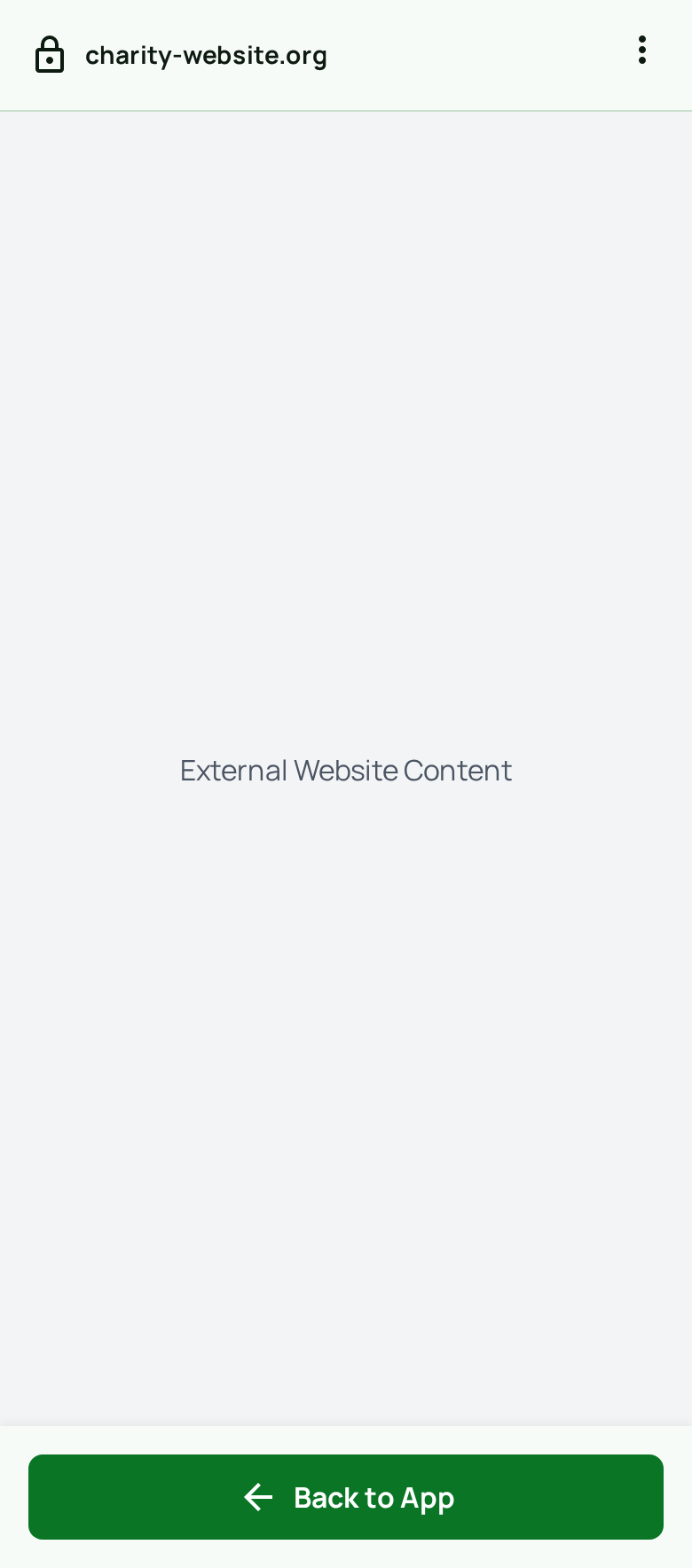
- Browser Overlay/Integrated Browser: Illustrates seamless interaction with external websites for task completion.
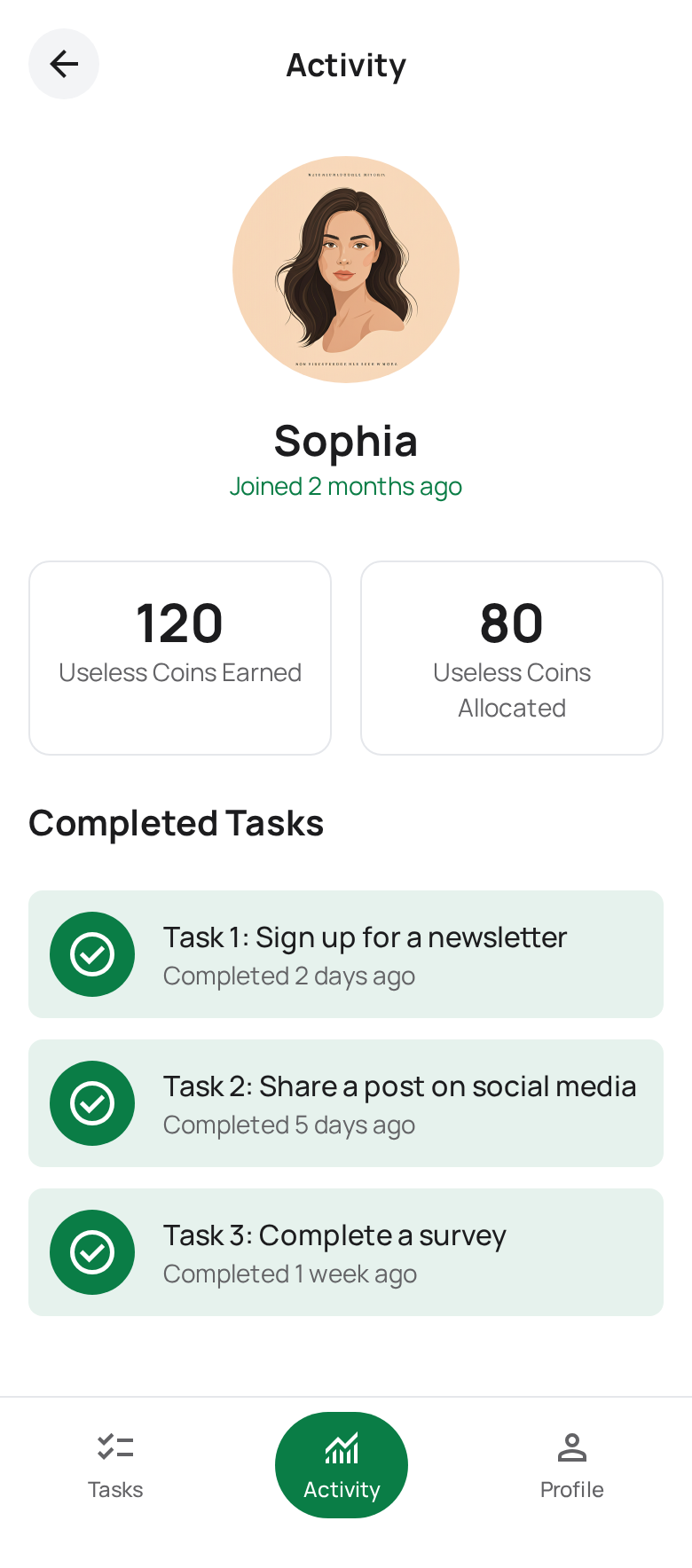
- Activity Screen: Shows completed tasks and earned ‘useless coins,’ tracking user progress.
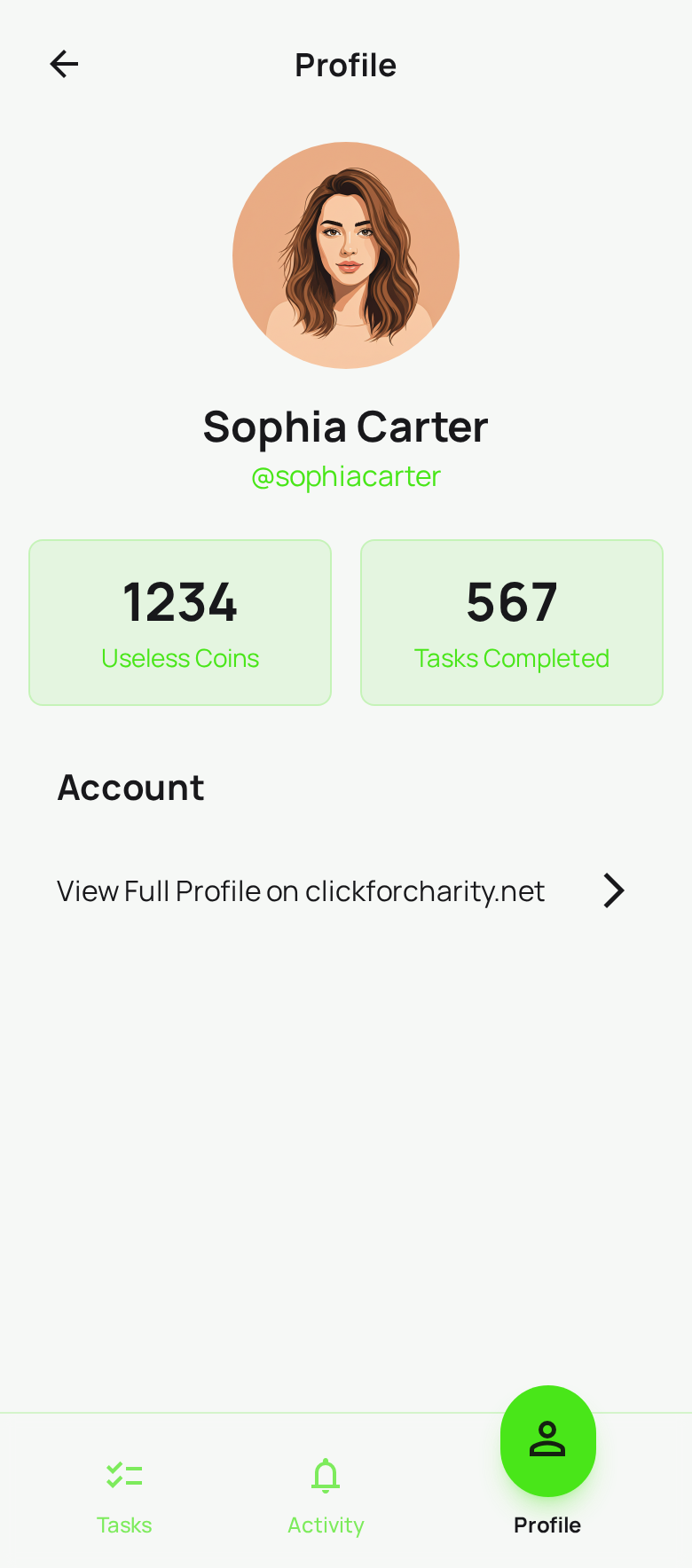
- User Profile Screen: Displays key user data from clickforcharity.net and links to their full web profile.
- Welcome/Onboarding Screen: Introduces the app to new users and guides them to sign up or log in.